Usage Guide
Launching WiFi-Lab
Run:
wifilab
This opens the main GUI window with the following tabs:
Home Tab
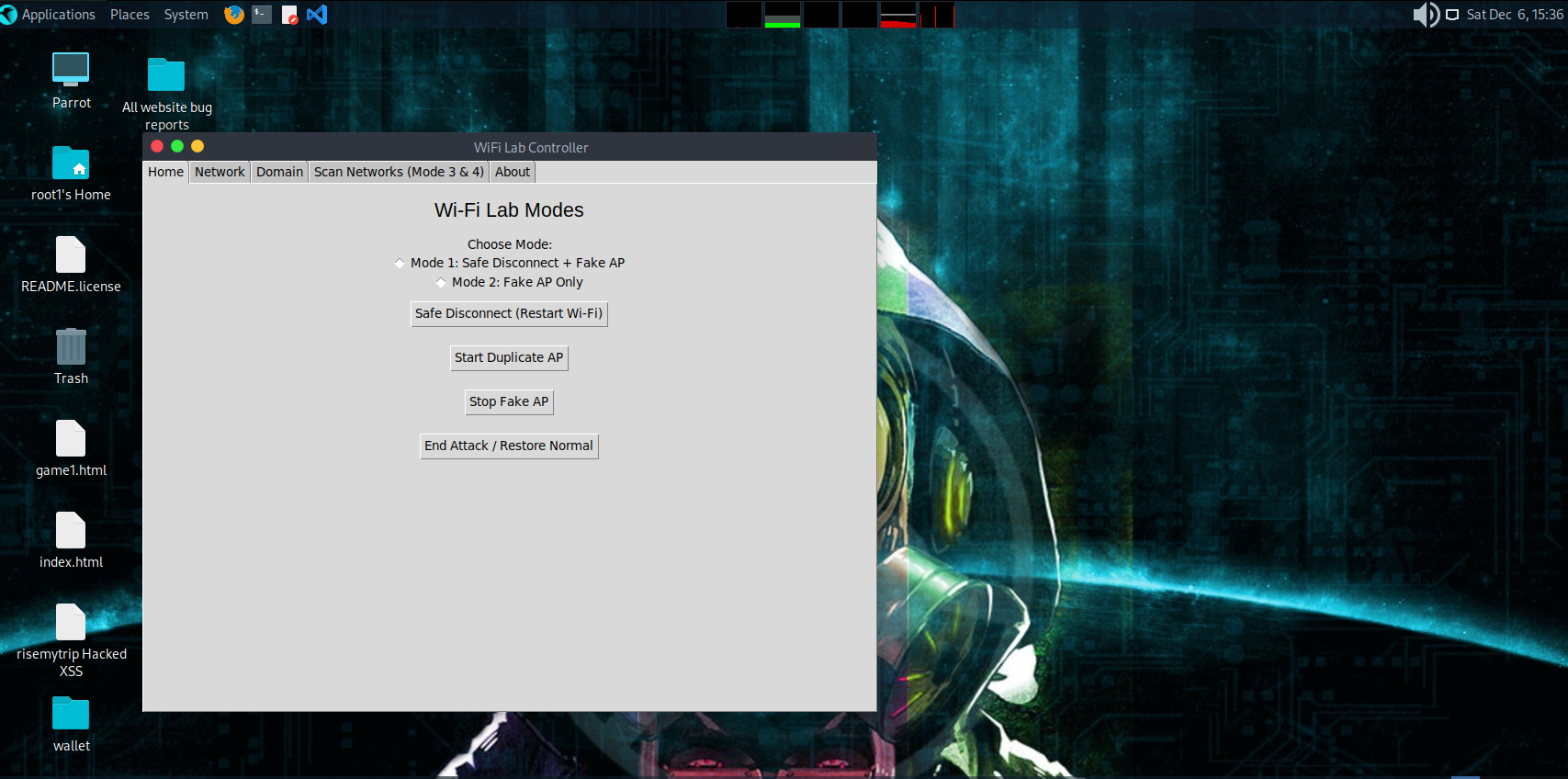
Tools available:
Safe Disconnect (disable/enable wlan0)
Start Duplicate AP (Fake AP)
Stop Fake AP
Restore Normal (cleanup dnsmasq, iptables, hostapd)
Network Tab
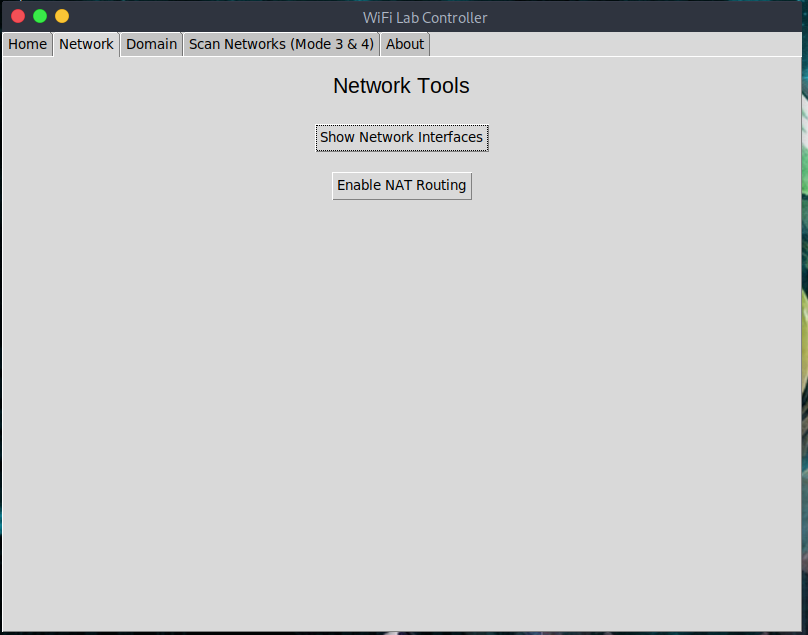
Show network interfaces (ip a)
Enable NAT (iptables MASQUERADE)
Domain Redirection
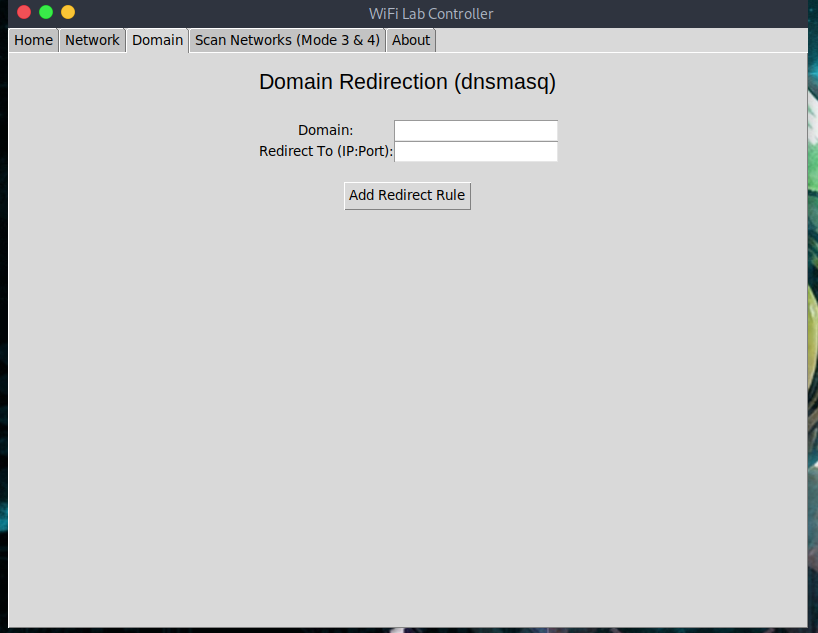
Allows redirecting specific domains to a chosen IP:Port using dnsmasq rules.
Scan Networks (Mode 3 & 4)
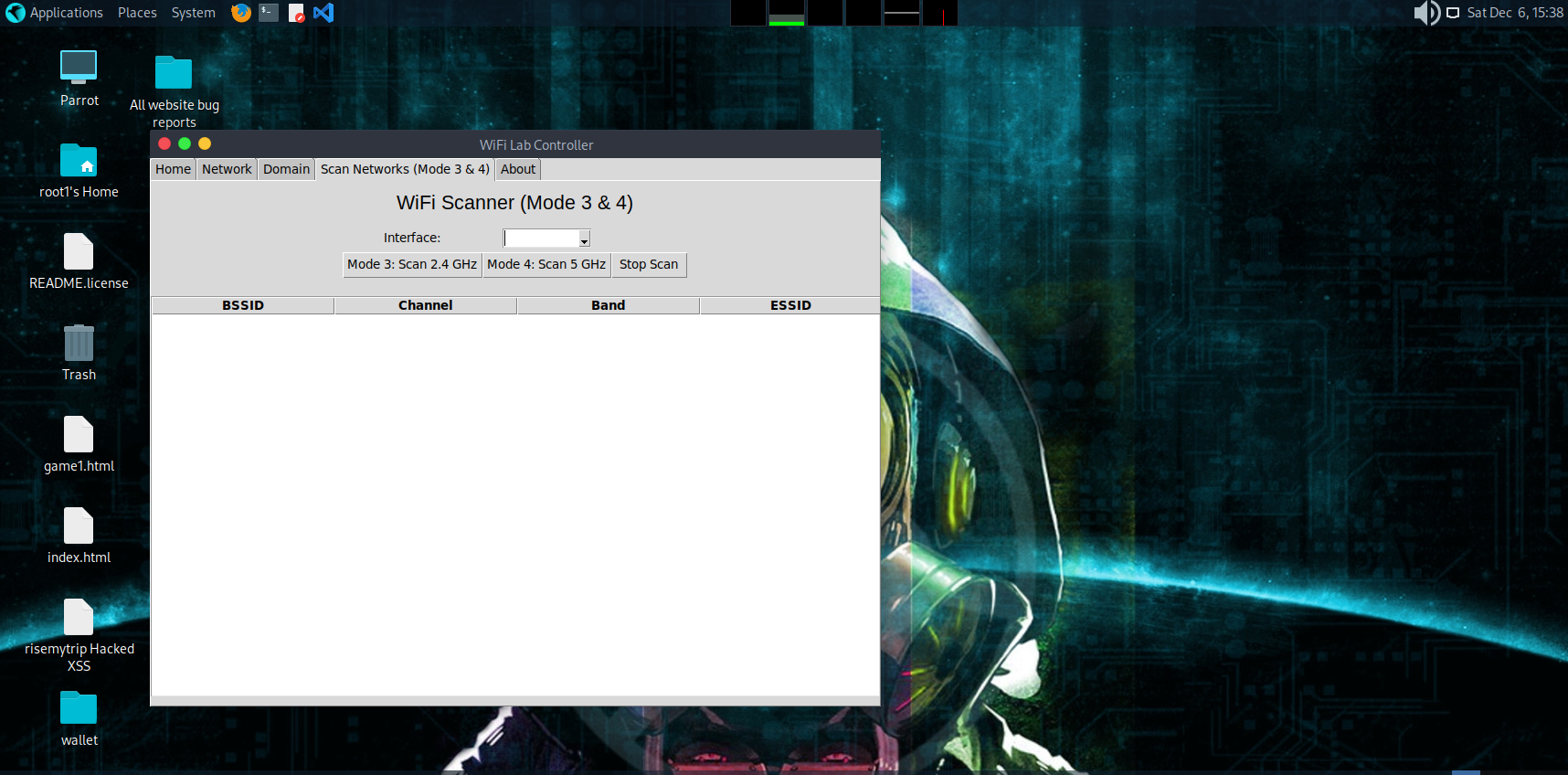
Performs controlled wireless scanning using airodump-ng:
Mode 3: 2.4 GHz scan
Mode 4: 5 GHz scan
Creates a table listing:
BSSID
Channel
Band
ESSID
Selecting a network offers a deauth demonstration (authorized environment only).
About Tab
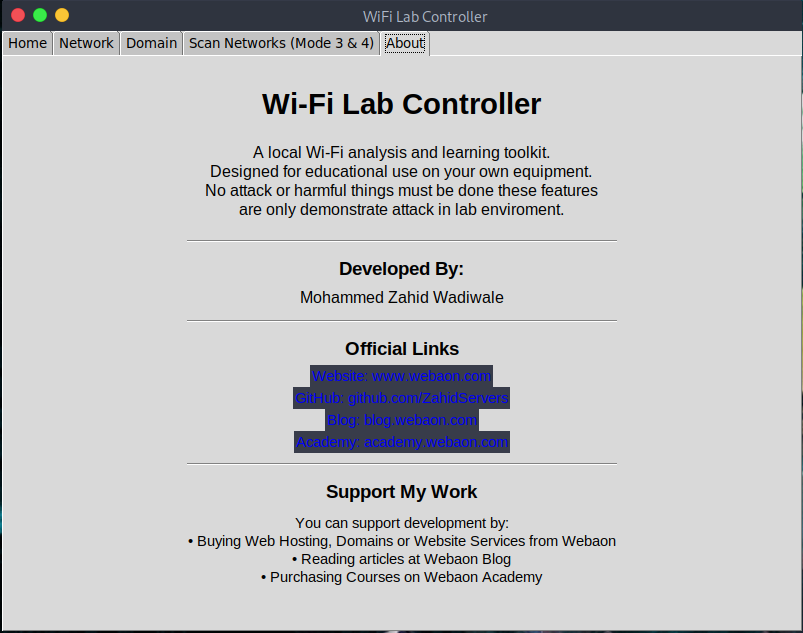
Shows author information, links, and support options.